The interactive display differs significantly from the smart board, making it the superior choice for modern classrooms.
Smart boards rely on projectors, which lose brightness over time and require frequent maintenance. In contrast, an interactive display operates as a standalone 4K UHD screen with durable Mohs 7 anti-glare glass, as seen in the FTTEGO RK3588 specifications — delivering sharper visuals and a smoother teaching experience.
Interactive displays also offer advanced touch performance with up to 40 touch points and ultra-fast 2ms response, allowing natural handwriting and seamless student interaction. Smart boards often require calibration and provide lower touch accuracy.
Beyond quality, interactive displays integrate a full operating system, built-in teaching tools, multi-window capabilities, lesson recording, educational apps, and embedded microphones/cameras, transforming them into complete teaching platforms.
How Do Interactive Displays Enhance Student Engagement?
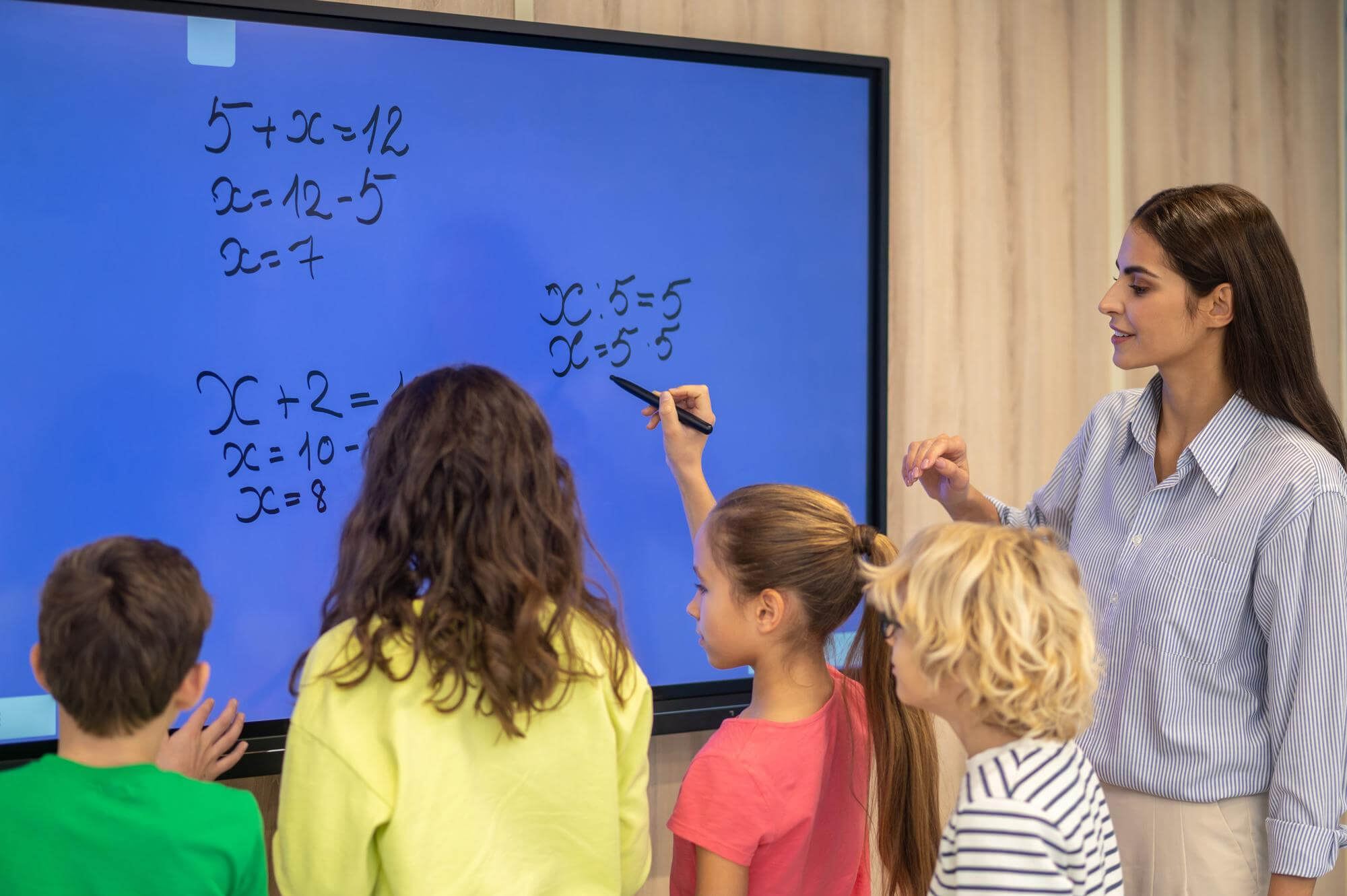
- Direct interaction: Students drag, write, draw, and participate in activities.
- Enhanced clarity: 4K visuals increase student focus and comprehension.
- Multimedia learning: Built-in audio and interactive apps create immersive lessons.
- Collaborative learning: Multiple students can interact simultaneously.
- Instant educational tools: Videos, 3D models, quizzes, and annotations in one screen.
The result is a more engaging, dynamic, and visually appealing learning environment that boosts student participation and makes teaching more effective.
What Are the Best Interactive Display Sizes for Classrooms, and How Do You Choose the Right Specifications?
Best Sizes for Classroom Interactive Displays
1) Small classrooms (20–25 students)
Recommended size: 65 inches
Ideal for compact spaces with clear visibility.
2) Medium classrooms (25–30 students)
Recommended size: 75 inches
The most common size in Saudi schools — perfect balance of size and cost.
3) Large classrooms & training halls
Recommended size: 86 inches
Ensures excellent visibility for all students.
4) Auditoriums & government training rooms
Recommended size: 98–110 inches
Professional-grade displays for large spaces.
(All these sizes are available in FTTEGO models as shown in the spec sheet.)
How to Choose the Right Specifications?
1) Resolution
Choose 4K UHD (3840×2160) for maximum clarity — as provided in FTTEGO displays.
2) Touch Points
For collaborative work, 40 touch points are ideal.
3) Writing Quality
Look for:
- 1 mm precision
- 2ms touch response
- For smooth, natural writing.
4) Durability
Prioritize:
- Anti-glare coating
- Mohs 7 hardness glass
- Available in FTTEGO RK3588.
5) Operating System & Tools
Recommended features:
- Android + Windows support
- AI assistant
- Built-in apps
- Screen recording
- Multi-window tools
6) Audio & Microphone Quality
Strong speakers (20W+) and wide-area microphones improve lesson clarity.
7) Connectivity
Ensure the presence of:
- HDMI ports
- USB 3.0
- Type-C
- Wi-Fi & Bluetooth
- NFC & Fingerprint options
- all available in FTTEGO displays.

What Are the Best Educational Apps for Interactive Displays?
Modern interactive displays including FTTEGO panels with Android 13 and advanced touch performance — support a wide range of educational apps designed to make lessons more engaging. Here are the top apps commonly used in schools:
1) Interactive Whiteboard Apps
Built-in drawing and annotation tools with multi-touch support.
2) Microsoft Teams
Ideal for hybrid learning and virtual lessons.
3) Google Classroom
Perfect for managing assignments and digital materials.
4) Zoom for Education
Great for remote support sessions and interactive broadcasting.
5) Kahoot!
A gamified learning app widely loved by students.
6) Geogebra
Excellent for math, geometry, and graphing lessons.
7) Madrasa Platform
Arabic STEM video content that works smoothly on FTTEGO displays.
8) PowerPoint Interactive Mode
Supports live annotation and classroom presentations.
9) 3D Science & Anatomy Apps
Enhanced by FTTEGO’s powerful RK3588 processor for smooth 3D rendering.
10) Reading & Language Apps
Such as Duolingo, Reading Eggs, and Letter School.
What Are the Best Interactive Display Brands for Schools in Saudi Arabia?
Saudi schools rely on several trusted global brands for interactive displays. These brands are known for quality, reliability, and educational-grade performance.
1) FTTEGO
A rapidly growing brand in Saudi schools thanks to:
- 4K UHD
- 40 touch points
- 1mm writing accuracy
- 2ms response
- Mohs 7 anti-scratch glass
- Android 13 + Windows/OPS
- Sizes: 65–110 inches
- (All confirmed in the FTTEGO technical sheet.)
2) SMART Technologies
A global leader with excellent educational software.
3) Promethean
Well-known for interactive teaching tools and classroom reliability.
4) BenQ
Strong in hygiene-focused screens and visual clarity.
5) ViewSonic
Affordable and widely used in large schools.
6) Samsung Flip
High-quality display, ideal for meeting rooms and some classrooms.
7) Newline Interactive
User-friendly OS and strong technical support.

What Key Advantages Does the FTTEGO Interactive Display Offer Compared to Competitors?
1) Superior 4K UHD Clarity with Anti-Glare Glass
Ensures crisp visuals even in bright classrooms.
✔ Confirmed in FTTEGO’s technical sheet.
2) Exceptional Touch & Writing Performance
- 40 touch points
- 2ms response
- 1mm writing precision
- Outperforms many competitors limited to 10–20 touch points.
3) Powerful RK3588 Processor
Delivers smooth performance for 3D science apps, 4K video, and multitasking.
4) Stronger Durability (Mohs 7 Glass)
Perfect for daily classroom use and heavy student interaction.
5) Dual OS Flexibility (Android 13 + Windows OPS)
Offers more freedom to teachers and IT administrators.
6) Integrated High-Quality Audio & Microphones
Creates a complete lesson experience without external speakers.
7) Rich Teaching Tools Included
Whiteboard, screen recording, split view, annotation tools.
8) Better Value for Money
FTTEGO matches or exceeds competitors’ specs at a more accessible price point for schools.
In conclusion, the interactive flat panel in schools has become a key driver of educational improvement across Saudi Arabia. By enhancing engagement and simplifying teaching, modern displays—especially FTTEGO offer powerful performance, smart features, and excellent value compared to many competing brands.
Choosing the right size and relying on features like 4K resolution and multi-touch technology allows schools to create a richer learning experience. Investing in an interactive display is no longer optional—it is a practical step toward a more dynamic, modern, and interactive classroom environment.